Professional Embroidery Digitizing
Your Logo,
Perfectly Digitized
Fast, Affordable & 100% Guaranteed
We convert your logos and artwork into high-quality embroidery files with unmatched precision, fast turnaround, and affordable pricing. Trusted by thousands of embroidery businesses worldwide.
Fast & Precise
Affordable Pricing
100% Guarantee
24/7 Support
Trusted by 10,000+
Embroidery Shops & Apparel Brands
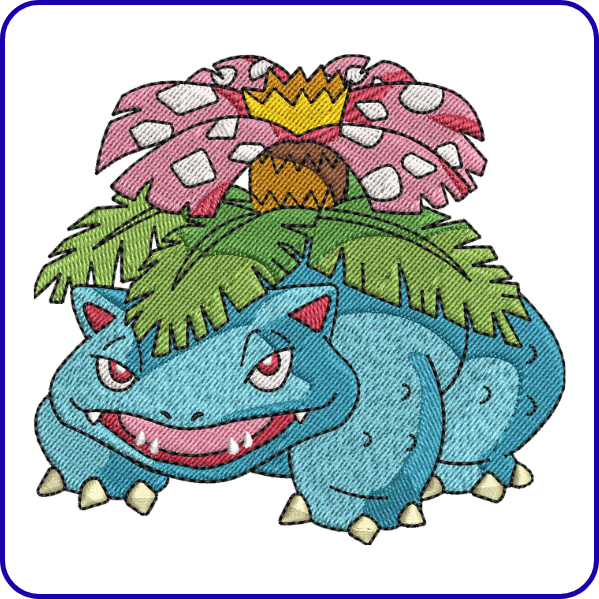
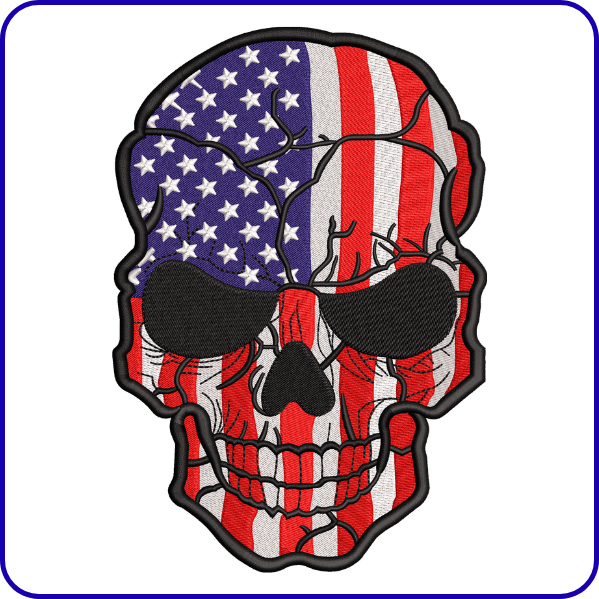
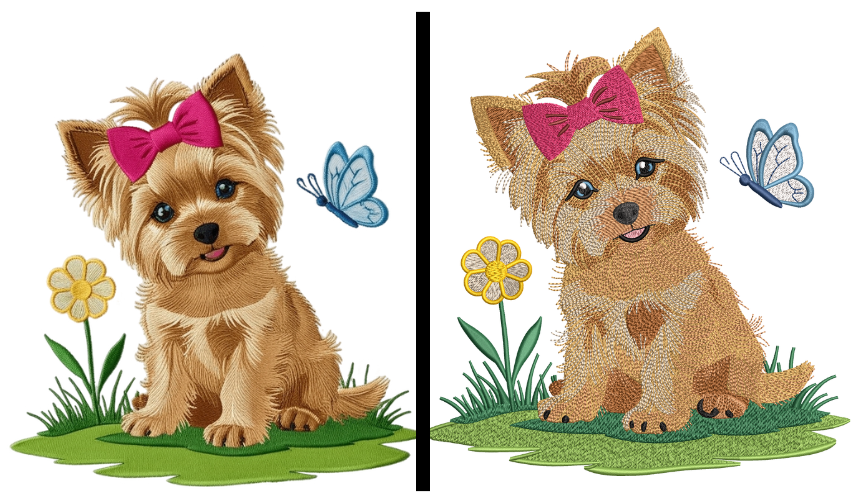
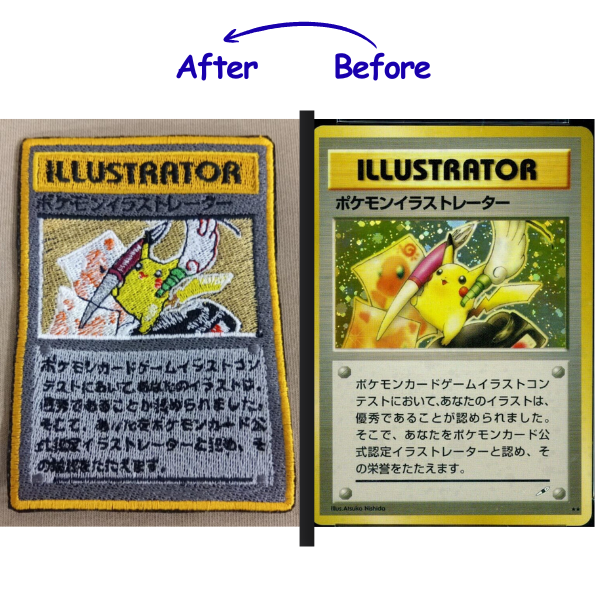
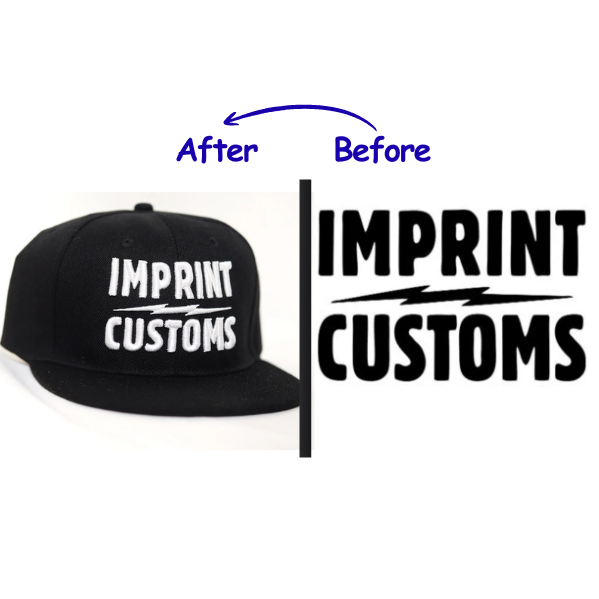
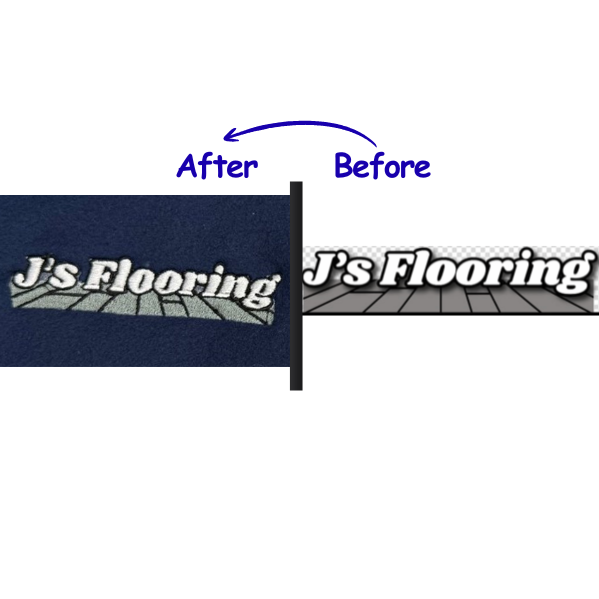
Our Customers' Sew-Outs
Live Image Digitizing
3D Puff Embroidery
Vector to Embroidery Design
Why Choose PAW Digitizing? Quality & Speed You Can Trust

10+ Years in Business
With over a decade of experience, we deliver reliable and high-quality embroidery digitizing services trusted by hundreds of satisfied clients.
24/7 Support
Our support team is available around the clock to assist you anytime, ensuring a smooth and hassle-free experience.
Fast Turnaround
We deliver your digitized designs quickly without compromising quality, helping you meet tight deadlines with ease.
Affordable Pricing
Get premium embroidery digitizing at competitive prices, giving you the best value for your money.
Professional Vector Tracing
Get custom vector art services to convert your logos, sketches, or any raster image into clean, scalable vector files.
Sharp Vector, Perfect Quality
Delivered quickly in all major formats (AI, SVG, EPS, PDF, and more) at affordable rates.
How it Works
Our Basic 3 Steps Embroidery Digitizing Process
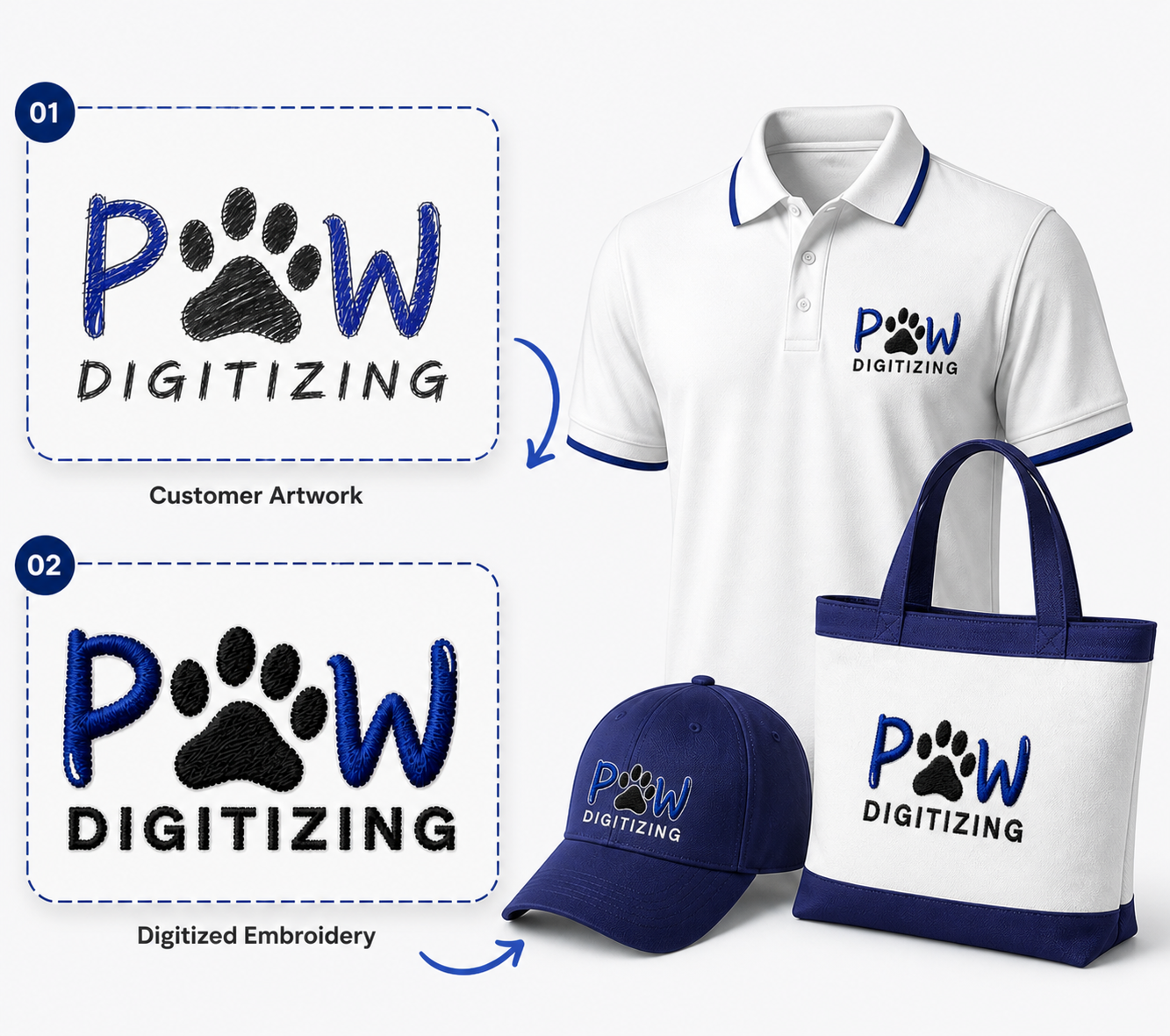
Step 1: Customer Artwork Submission – Upload any image you want to embroider. Fill in the details like size, fabric, format, and other details on the order form.
Step 2: Manual Embroidery Digitizing – Our experts digitize it manually and convert it into your provided embroidery format. Then, the file goes through the quality check process.
Step 3: Start Embroidery – Once your file passes the quality check procedure, we deliver it to your email, and you can start embroidery.
Comparison
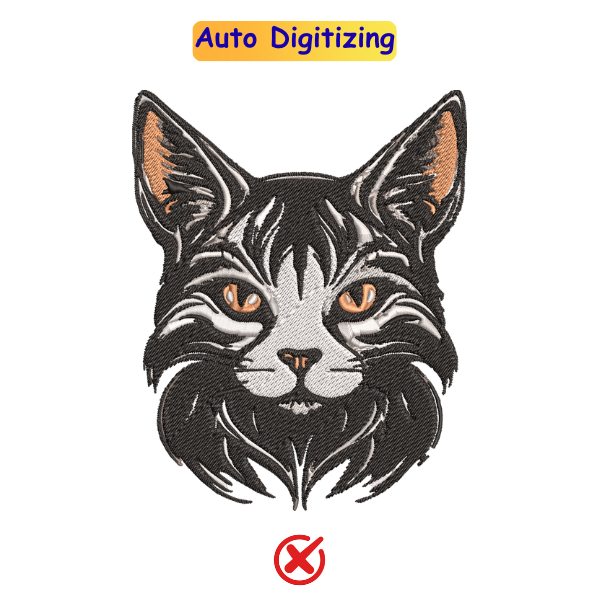
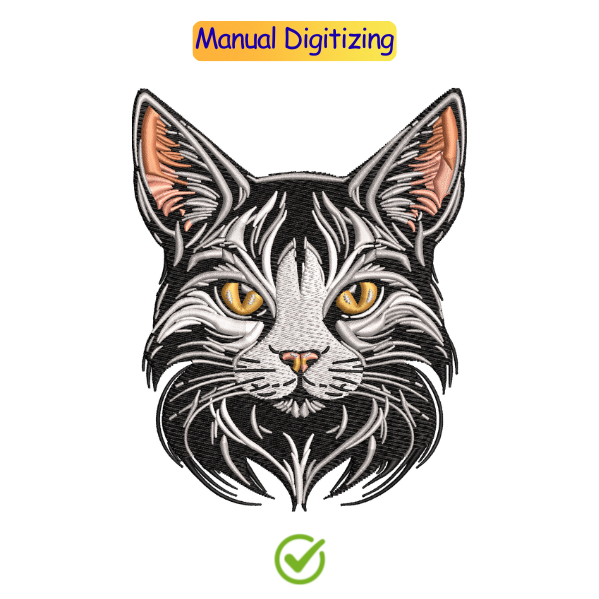
Auto Digitizing vs Manual Digitizing
Drawbacks
- Uneven stitches on some fabrics
- Auto settings lack fabric accuracy
- Lettering details may distort
- Limited stitch density control
Benefits
- Clean outlines with precise alignment
- Sharp detailing in every stitch
- Stitching matched to fabric type
- Custom designs with premium finish
Trusted by the best brands
You're in Good Company
Our Recent Projects & Updates
Frequently Asked Questions
Take a logo. Someone has to break it down into individual stitches mapped out manually, one section at a time, with decisions made about angle, direction, density, and where the thread trims. That whole process is digitizing. The machine just reads the file and follows it. Build the file right, and the embroidery comes out clean. Get it wrong and the fabric puckers, stitches gap, and the design looks cheap regardless of what machine ran it.
Wilcom is the industry standard most professional digitizing shops run it for a reason. That said, the program matters less than the person using it. A skilled digitizer in mid-range software will outperform an inexperienced one using the most expensive tool on the market every single time.
Send your artwork to a digitizing service; a high-res PNG, PDF, or vector file works best. They do the conversion and send back a stitch file ready for your machine. Simple logos come back clean. If your design has tiny text, hairline details, or gradients, mention it upfront. Those elements need specific handling in thread, and a good digitizer will adjust the approach before they start, not after.
Pricing depends on the complexity. A basic logo with clean shapes and limited colors can cost as little as $10. Detailed designs with fine elements, small text, or high stitch counts run higher closer to $50 or more. You pay once for the file and run it as many times as you need after that.
Most standard jobs come back within 24 hours. Simple logos are often faster. If your design is complex or you’re sending a large batch, it can take a bit longer. Most digitizing services also offer a rush turnaround if you’re working against a deadline usually for an additional fee. Worth asking upfront if timing is tight.
PNG, PDF, or a vector file like AI or EPS gives the best results. High resolution matters a blurry or low-quality image makes it harder to digitize accurately, especially if your design has fine detail or small text. Vector is the cleanest option if you have it. No vector? Send what you’ve got, and the digitizer will let you know if it’s usable before they start.